系统需求
系统需求展开查看最低配置和推荐配置展开
| 项目 | 配置要求 |
|---|---|
| 操作系统 | Minimum System Requirements English Recommended Requirements (optional) English Windows: OS Version: Processor: Memory: 4000 MB Graphics: Network: Broadband internet connection DirectX Version: N/A Disk Space: MB Sound Card: VR Devices and Support: (?) See documentation Additional Notes: (?) OS Version: Processor: Memory: MB Graphics: Network: Broadband internet connection DirectX Version: N/A Disk Space: MB Sound Card: VR Devices and Support: (?) See documentation Additional Notes: (?) Release Dates |
| 处理器 | Minimum System Requirements English Recommended Requirements (optional) English Windows: OS Version: Processor: Memory: 4000 MB Graphics: Network: Broadband internet connection DirectX Version: N/A Disk Space: MB Sound Card: VR Devices and Support: (?) See documentation Additional Notes: (?) OS Version: Processor: Memory: MB Graphics: Network: Broadband internet connection DirectX Version: N/A Disk Space: MB Sound Card: VR Devices and Support: (?) See documentation Additional Notes: (?) Release Dates |
| 内存 | 4000 MB RAM |
| 显卡 | Minimum System Requirements English Recommended Requirements (optional) English Windows: OS Version: Processor: Memory: 4000 MB Graphics: Network: Broadband internet connection DirectX Version: N/A Disk Space: MB Sound Card: VR Devices and Support: (?) See documentation Additional Notes: (?) OS Version: Processor: Memory: MB Graphics: Network: Broadband internet connection DirectX Version: N/A Disk Space: MB Sound Card: VR Devices and Support: (?) See documentation Additional Notes: (?) Release Dates |
| DirectX 版本 | 11 |
| 网络 | 宽带互联网连接 |
| 存储空间 | 需要 2000 MB 可用空间 |
| 声卡 | DirectX compatible sound card — a microphone is REQUIRED to play |
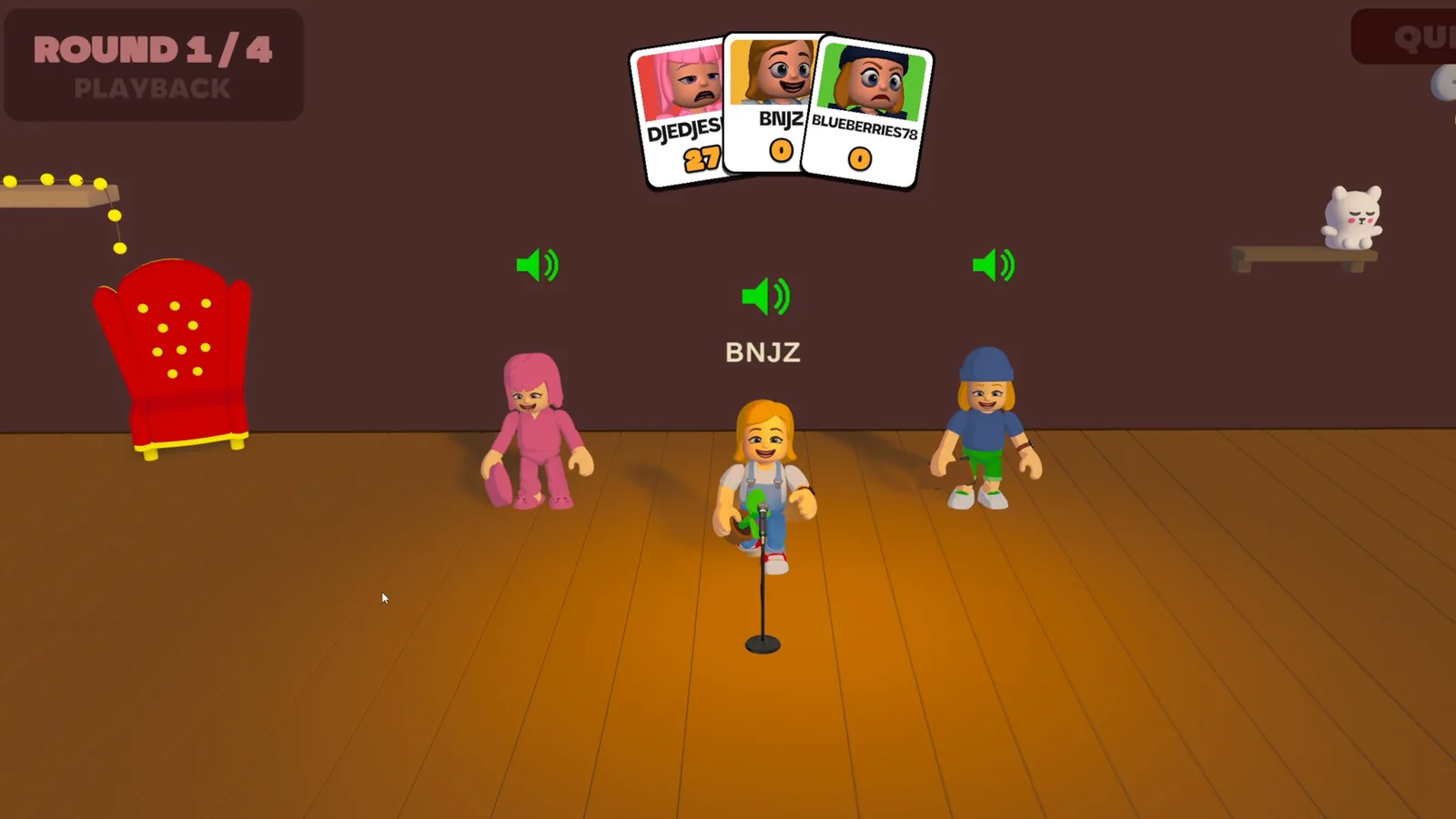
| 附注事项 | A microphone is required: the whole game is played with your voice. Online multiplayer only (2-5 players), permanent broadband connection required. Headphones are strongly recommended to keep the game audio out of your microphone. |
联机设置
通过 Steam 联机
将“联机补丁”文件夹内的全部内容复制到游戏根目录,提示时替换同名文件。
启动方法:
1. 启动 Steam,登录自己的账户。
2. 通过 Mimic Party.exe 启动游戏。
游戏内:
加入:
Play - 输入好友的大厅代码并连接到服务器。
创建服务器:
Create Room - 将大厅代码告知好友并等待他们加入。
将“联机补丁”文件夹内的全部内容复制到游戏根目录,提示时替换同名文件。
启动方法:
1. 启动 Steam,登录自己的账户。
2. 通过 Mimic Party.exe 启动游戏。
游戏内:
加入:
Play - 输入好友的大厅代码并连接到服务器。
创建服务器:
Create Room - 将大厅代码告知好友并等待他们加入。