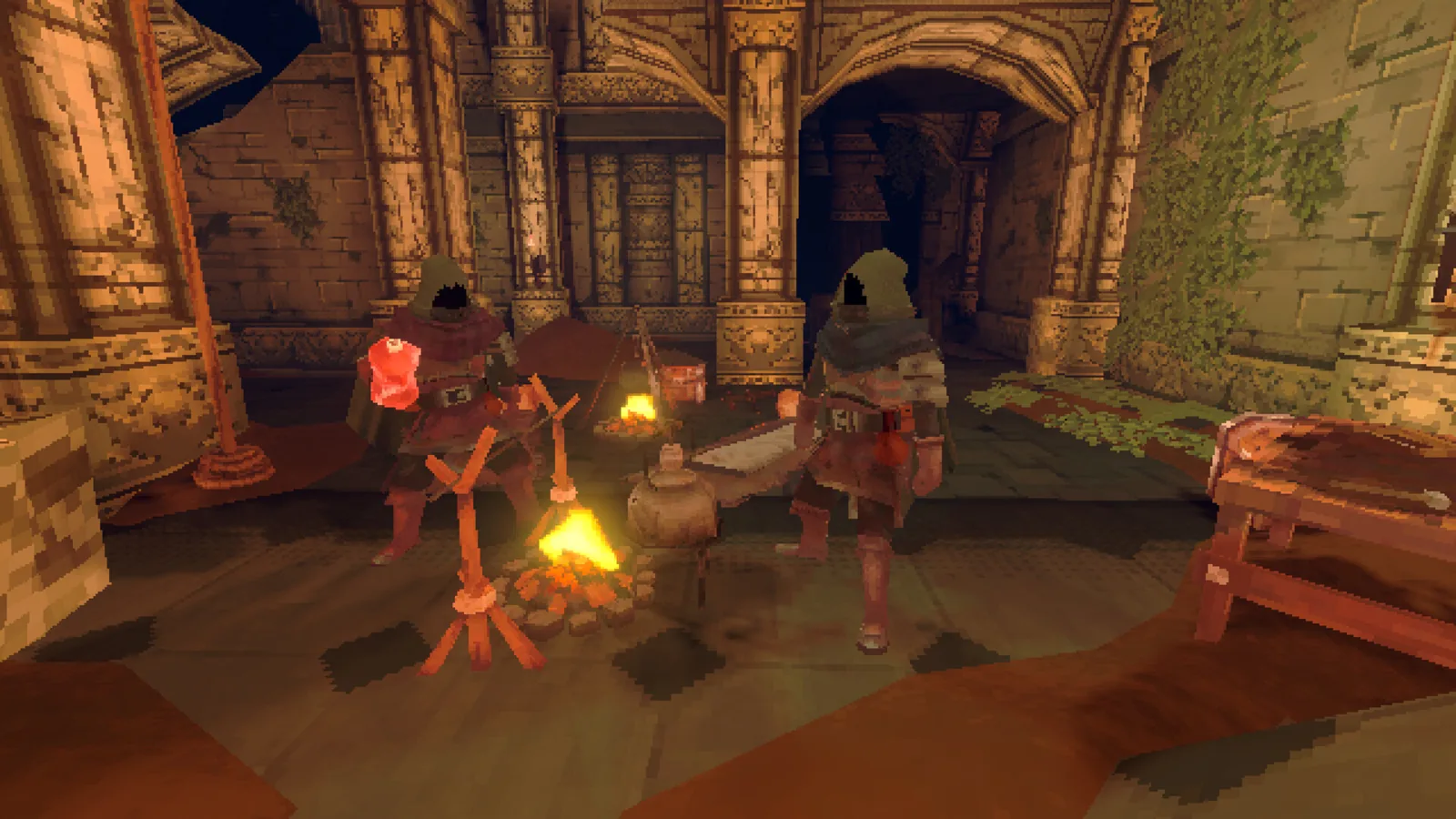
系统需求
系统需求展开查看最低配置和推荐配置展开
| 项目 | 最低配置 | 推荐配置 |
|---|---|---|
| 说明 | 需要 64 位处理器和操作系统 | 需要 64 位处理器和操作系统 |
| 操作系统 | Windows 10, 11 or superior | Windows 10, 11 or superior |
| 处理器 | Intel® Core™ i3 or superior | Intel® Core™ i5 or superior |
| 内存 | 8 GB RAM | 16 GB RAM |
| 显卡 | DX9 (shader model 3.0) or DX11 with feature level 9.3 capabilities. | Nvidia GTX 580 / AMD HD 7870 or newer |
| DirectX 版本 | 11 | 11 |
| 网络 | 宽带互联网连接 | 宽带互联网连接 |
| 存储空间 | 需要 2 GB 可用空间 | 需要 2 GB 可用空间 |
联机设置
联机游戏设置
通过以下方式游玩:Steam
将“联机补丁”文件夹内的内容复制到“Deep Dish Dungeon”游戏目录。
如有提示,请同意替换文件。
如何启动:
1. 启动 Steam
登录你的个人资料。
2. 通过 Deep Dish Dungeon.exe 启动游戏。
游戏内:
加入:
Join - Connect to any server.
创建服务器:
New Game - Create - Waiting for other players to connect.
注意:
你可以在官方服务器上游玩
将“联机补丁”文件夹内的内容复制到“Deep Dish Dungeon”游戏目录。
如有提示,请同意替换文件。
如何启动:
1. 启动 Steam
登录你的个人资料。
2. 通过 Deep Dish Dungeon.exe 启动游戏。
游戏内:
加入:
Join - Connect to any server.
创建服务器:
New Game - Create - Waiting for other players to connect.
注意:
你可以在官方服务器上游玩
联机补丁
已提供联机补丁:联机补丁。